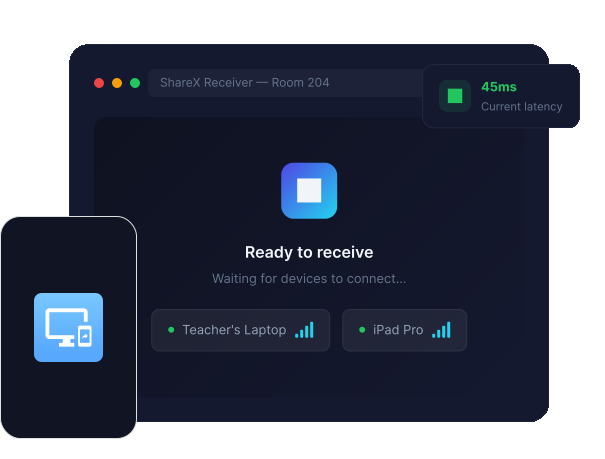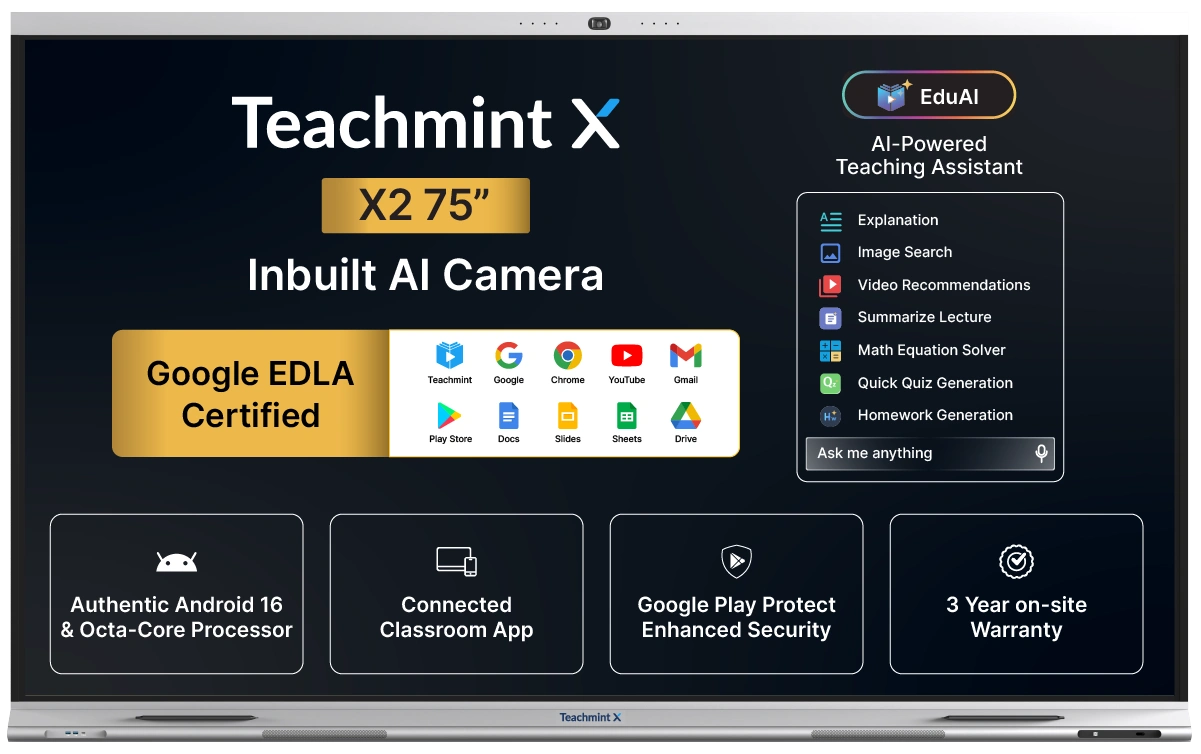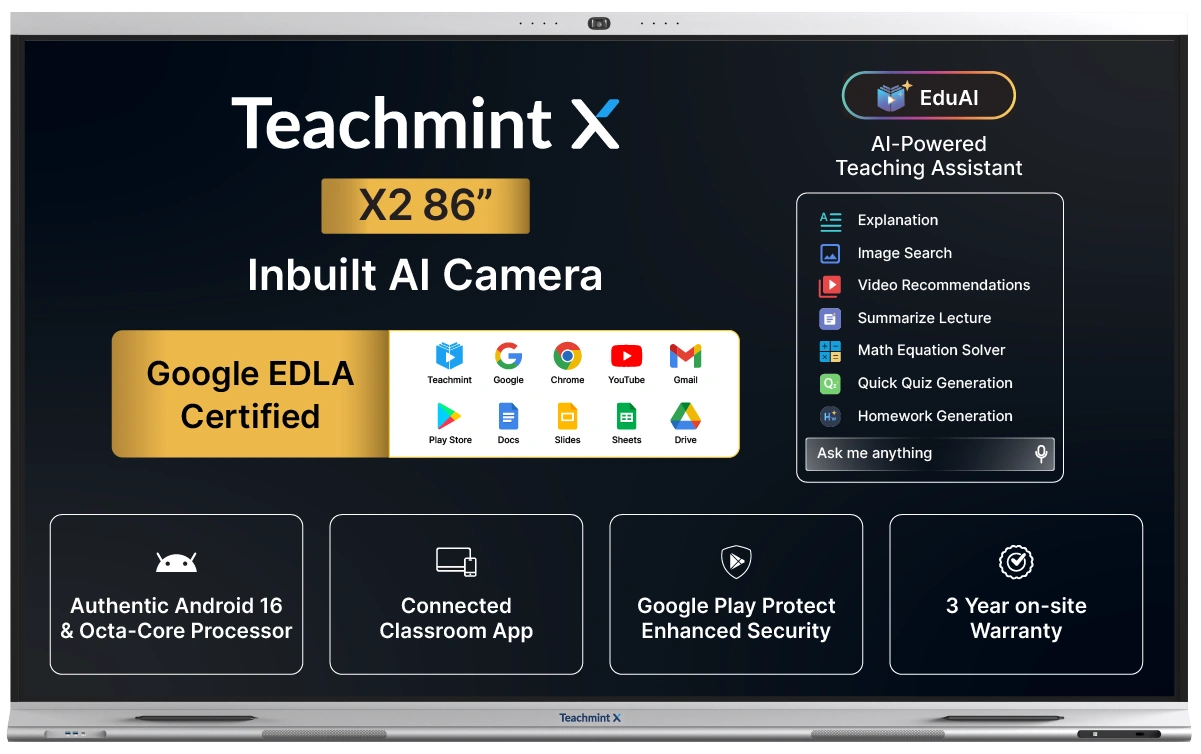
Share X is a wireless screen sharing application built for Teachmint X that allows teachers to share their screen from Windows, macOS, or Android devices directly to the classroom panel.
How many devices can connect simultaneously?
Share X supports up to 4 devices connected simultaneously, enabling multi-device collaboration in the classroom.
What is the latency of Share X?
Share X delivers ultra-low latency screen sharing at 120ms or less, ensuring a smooth and real-time teaching experience.
Does Share X require internet?
No, Share X works over your local WiFi network. Both the device and Teachmint X just need to be connected to the same network.
Which platforms does Share X support?
Share X is available for Windows 10 or later, macOS 12 Monterey or later, and Android devices.
How do I start sharing my screen?
Download and install Share X on your device.
Connect your device and Teachmint X to the same WiFi network.
Open Share X and tap 'Share Screen' to connect to Teachmint X.
Your screen will be mirrored on the classroom panel instantly.
We use cookies to enhance site navigation and analyse usage, read our Privacy Policy for more.